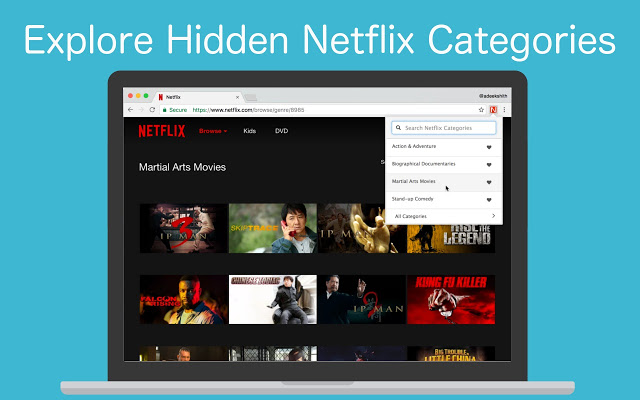
Well Netflix just got better! A new google chrome extension called “Better Browser” allows Netflix viewers to find highly specific categories for films and series. According to Sunday Express, “users can use secret codes to find “extremely specific” genre categories, of which there are more than 15,000″(FOX31). Likewise, the days of having to manually scroll to find the perfect film or tv show is over. Now, viewers can finally see their zombie rom com at the click of a button. It saves time and makes customers happy.
How to Install Better Browser:
Step 1: First download google chrome if you don’t already have it
Step 2: Type in Better Browser for Netflix in the search box
Step 3: Choose website link to chrome web store and click install.
Step 4: Open up Netflix and log into your account
Step 5: Click Browse all and specific categories should appear
Enjoy 🙂
Reference:
Ruble, Eric. “Chrome extension provides new way to find hidden Netflix categories”, FOX 31 Denver, 2018, https://kdvr.com/2018/11/03/chrome-extension-provides-new-way-to-find-hidden-netflix-categories/
 Analysis of Drama Series